
Taobao
Image Search
Upload a product photo to run a taobao image search and find matching items on Taobao, 1688, and Alibaba.
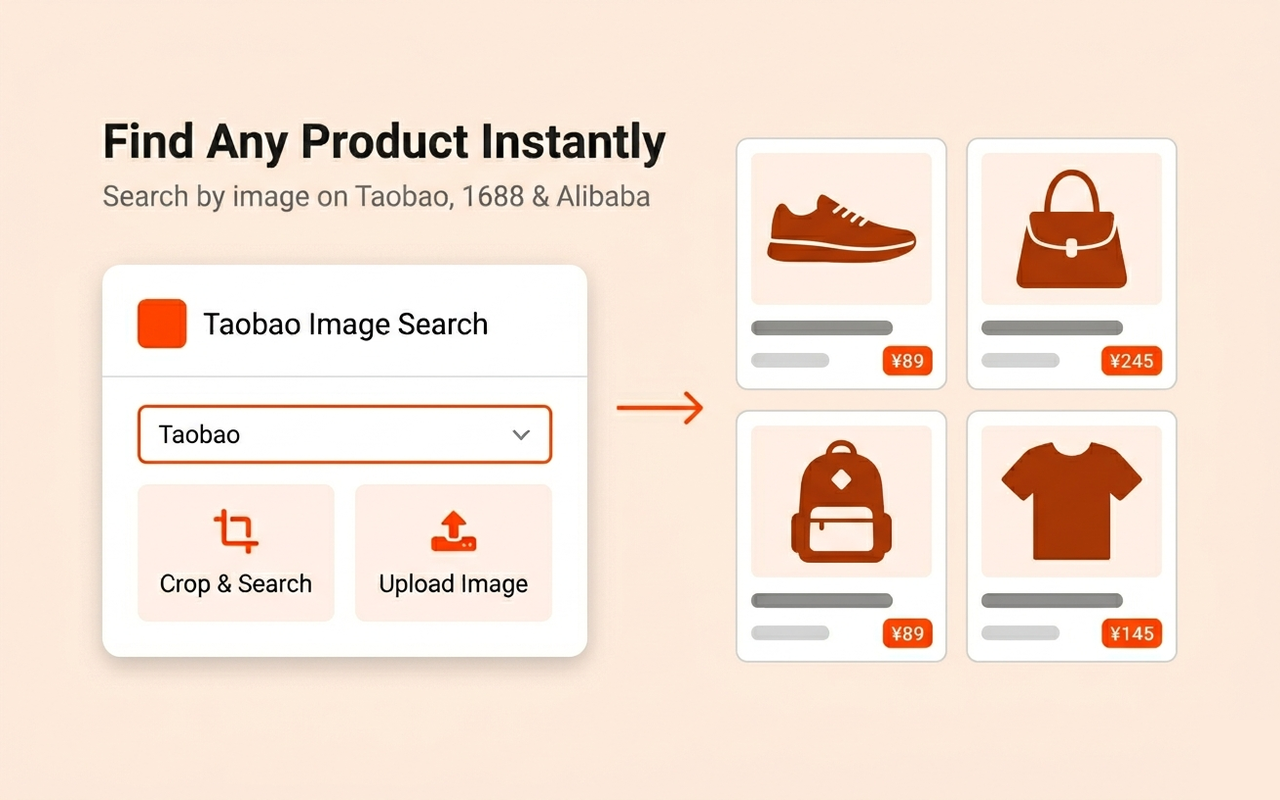
Search by image on Taobao, 1688, and Alibaba
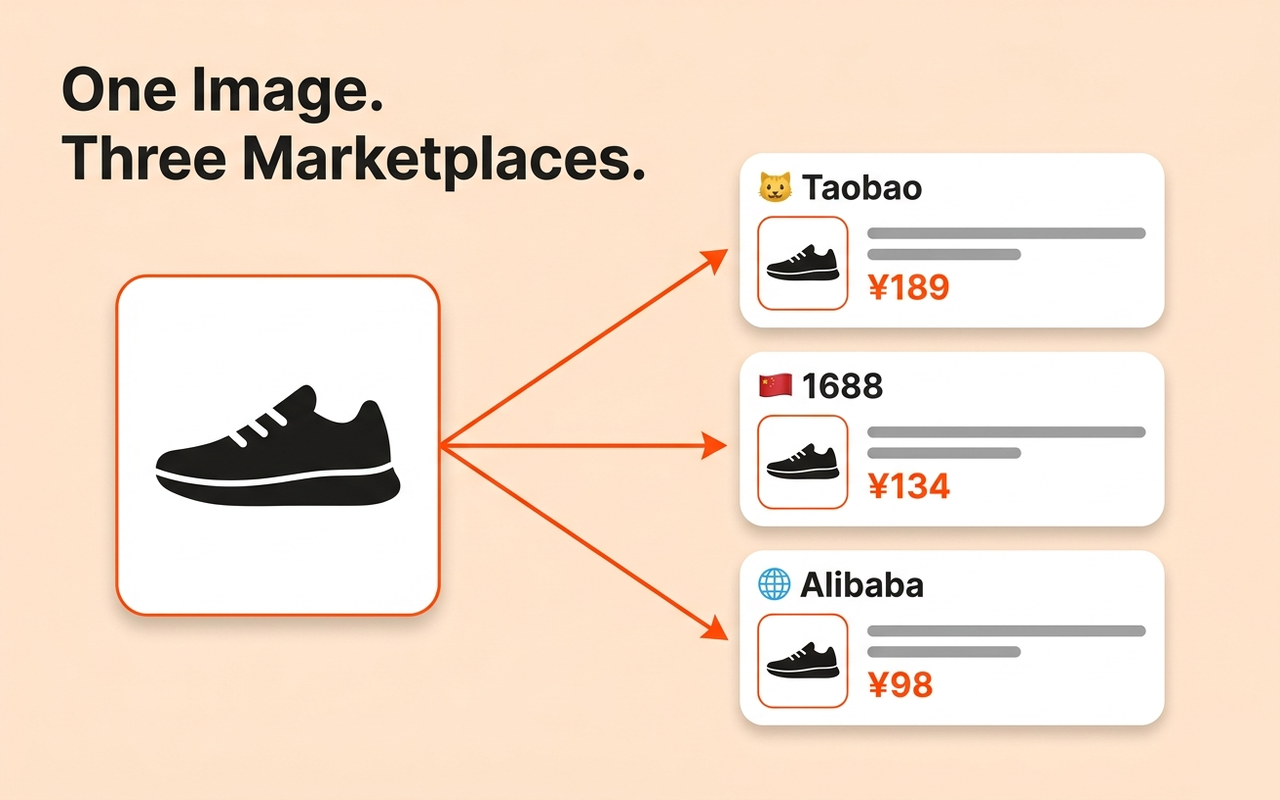
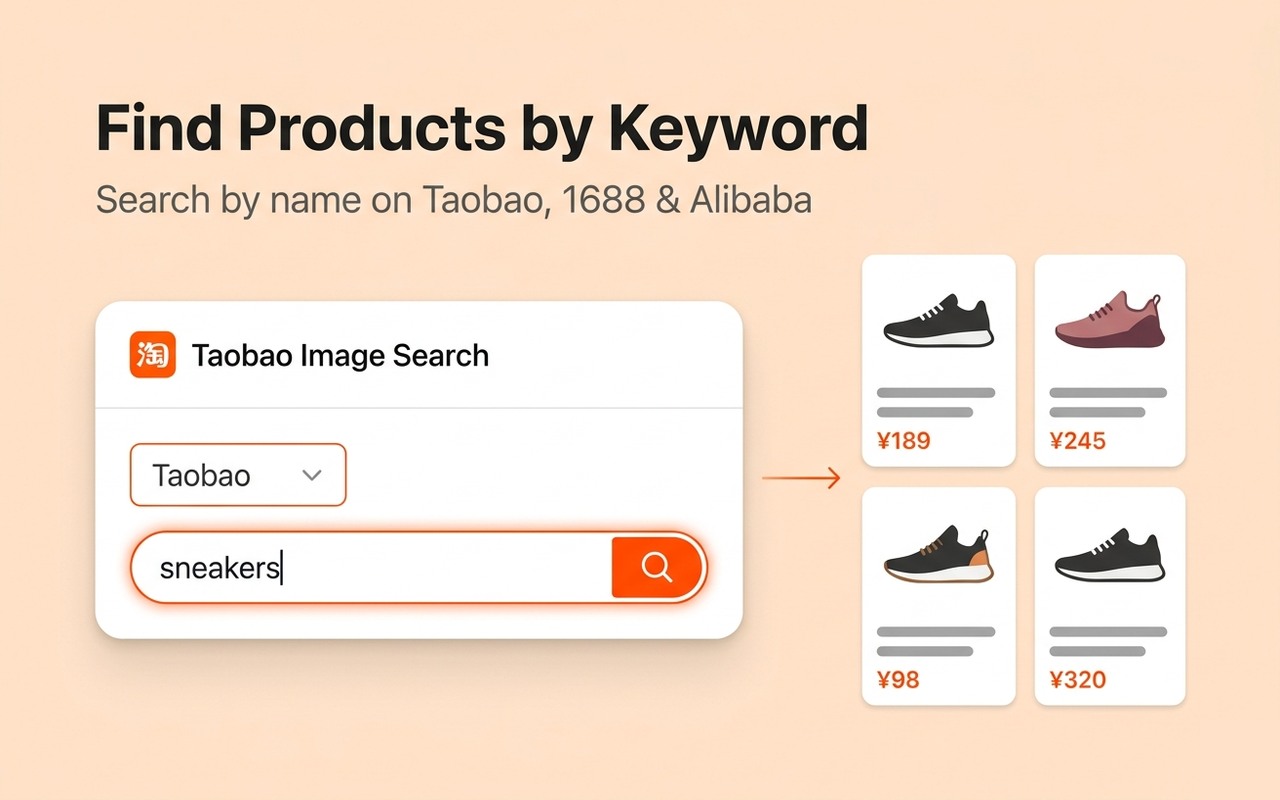
How to image search on Taobao
Install the extension
Add Taobao Image Search to Chrome. Takes under 10 seconds and no account is needed.
Click or right-click any image
Open the toolbar icon to upload a photo, or right-click any product image on any webpage.
View matching products
Find items on Taobao, 1688, and Alibaba with prices. Results open in a new tab.
Frequently asked questions
How to do a reverse image search on Taobao?
Install Taobao Image Search from the Chrome Web Store. Click the toolbar icon, upload any product photo, and it finds matching items on Taobao and 1688 — no account needed.
Can I search Taobao by image without login?
Yes. The extension works without a Taobao account. Upload a photo or right-click any image to run a taobao image search for free.
Is there a Taobao image search Chrome extension?
Yes. Install Taobao Image Search from the Chrome Web Store. It adds a right-click option on every image on every website so you can search Taobao by photo instantly.
How to search Taobao by picture?
Use the extension to upload any picture or right-click an image on any page. Results show matching products on Taobao, 1688, and Alibaba.
What if taobao image search is not working?
Reload the page after installing the extension. If the right-click option does not appear, disable and re-enable the extension from chrome://extensions. Most issues resolve after a page refresh.
Start searching Taobao by image
Right-click any image on any webpage to search Taobao, 1688, and Alibaba instantly.
Add to Chrome — FreeA Chrome extension for taobao image search and reverse image search on Taobao. Works on any webpage — upload a photo or right-click any image to search Taobao by picture, find items on 1688, and compare prices on Alibaba. No Chinese account needed. Also available on the Chrome Web Store.